
Introduction#
About Markdown#
What is Markdown#
Markdown is a document authoring format invented by John Gruber. Markdown was created with the following philosophy:
The idea is that a Markdown-formatted document should be publishable as-is, as plain text, without looking like it’s been marked up with tags or formatting instructions. - John Gruber
Markdown has several characteristics, including:
- plain text based
- easy to read as it is (without special applications)
- can be converted into other formats (e.g., PDF, HTML, etc.)
Why choose Markdown#
At ArtiVisi, we want to standardize document writing. The main criterion of the documentation format we want is text-based. Text-based formats have several advantages, including:
- can fully utilize version control features such as diff, blame, branch, merge, and so on.
- easy to edit, even using notepad
- can be edited anywhere, for example on a tablet or mobile phone (for example, I typed this chapter on public transportation using the DroidEdit application on a mobile phone)
- small size
- easily stored on cloud-based services like Dropbox
There are several formats that meet these criteria, including:
- html
- markdown
- docbook
- \LaTeX
Office applications, both Microsoft and Open, are immediately eliminated in this first round because their format is not text.
Next, the second criterion is easy to understand. The job of creating documentation at ArtiVisi is usually handed over to interns. Therefore, we must be able to teach this documentation system quickly, because the turnover rate of interns is relatively short. We don’t want a situation where an internship lasts only 3 months, and 2 weeks are spent learning the documentation system.
Of the four candidates above, \LaTeX is eliminated because it is relatively difficult to learn. Only three contestants remain. Let’s move on to the next round.
The third criterion is the ability to convert into various other formats. We want to convert to PDF so it can be printed. We also want to be able to convert to HTML so it can be published on the internet. In modern times, the ability to convert to a digital book format (epub) is also needed. In addition, sometimes it is also necessary to convert to OpenOffice or MS Office formats.
In this third round, the HTML format is eliminated. Converting the HTML format to other formats requires a complex and long procedure. Thus, we have reached the final round, pitting Markdown vs Docbook.
From here, both formats are actually viable to use. However, we will look at a few other criteria that are nice to have, good if present, no problem if not.
The first additional criterion is the availability of tools. Docbook can be converted into several formats with many tools, including:
- Maven (Java)
- Bookshop (Ruby)
- Pandoc (Haskell)
- Other tools (e.g. xsltproc, makefile, etc.)
As for Markdown, most of its tools are for converting to HTML, such as:
- Markdown.pl
- Pandoc
- Jekyll
When it comes to tools, the score is a tie. Both formats can be easily converted to other formats. Let’s review from the user’s side.
Eventually, documentation matters will be handed over to the lowest caste of the programmer food chain, namely interns and new employees. The characteristic of these users is their minimal level of thoroughness, unlike senior programmers who can spot an extra space (remember, spaces are invisible to the naked eye) in thousands of lines of code.
Therefore, the documentation format must be foolproof. It must be writable with a low level of meticulousness. Well, here we find the winner. Docbook is XML-based which is notoriously strict. Missing a single quotation mark, the document cannot be processed. This makes the format prone to errors. We don’t want senior programmers to be bothered later because documents can’t be converted properly.
This is different from Markdown. It is very permissive. Even if there is an error, it will mostly only affect the display format, not cause a processing error.
Thus, the format we will use is Markdown.
About Pandoc#
A document in text format alone is not enough. Often we want to send the document to someone else, who will then print it, or display it on a website. For that, we need other formats such as PDF and HTML.
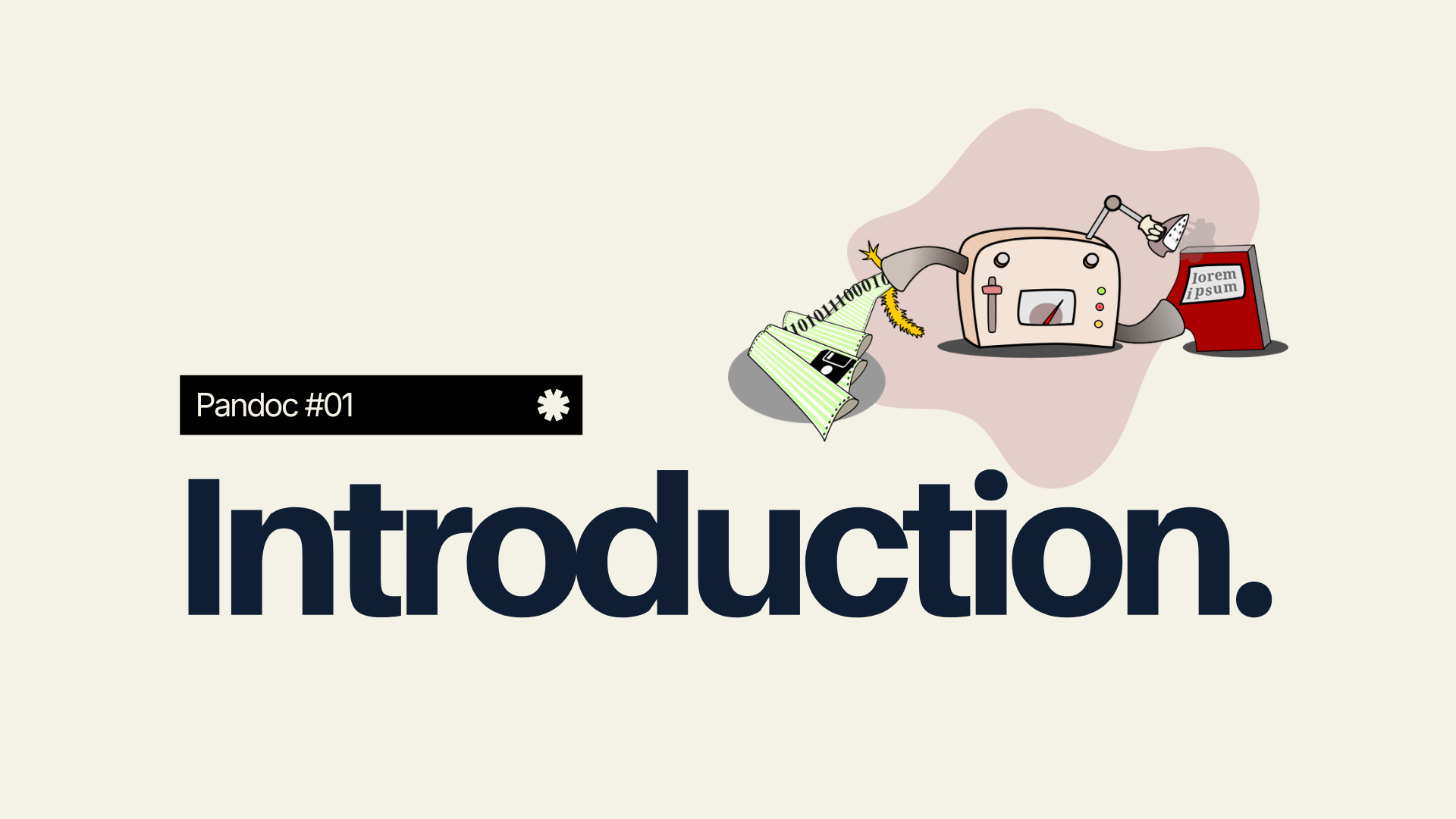
We can convert Markdown into PDF and HTML using an application called Pandoc. Pandoc is an application created by John MacFarlane, a philosophy professor at the University of California, Berkeley. Pandoc is created in the Haskell programming language.
About This Book#
Why this book was written#
At ArtiVisi, we write a lot of books, training modules, presentation slides, application user manuals, and various other documents. Rather than explaining over and over again every time a new employee or intern joins, it is better for me to invest the time and energy once to write this guide.
Who should read this#
This book can be useful for:
- Employees / interns at ArtiVisi who are assigned to create books, training modules, presentation slides, user manuals, and so on.
- Teachers, lecturers, or students who want to create a thesis, dissertation, or other scientific writings. With Pandoc, Markdown documents can be converted into \LaTeX, which is a document format commonly used to create scientific writings. The \LaTeX format is far superior to word processors like MS Word or OpenOffice Writer.
License#
This book is licensed under Creative Commons Attribution Share Alike (CC-BY-SA). This means that everyone:
- is free to use this book without paying, both for non-profit and commercial purposes. You may open paid training using this book.
- is free to share this book with anyone.
- is free to make changes to the contents of this book.
All the freedoms above only have a condition that they must still mention the original author’s name. This is called attribution. In short, it can be used and shared as long as it is not claimed as one’s own work. In addition, any changes made must also be licensed identically to this book. This is called Share-Alike. More about this license can be seen on the Creative Commons website
Tools#
This book was created using helper tools:
- Markdown : text format for writing the book
- Pandoc : application for converting markdown to PDF or HTML
- \LaTeX : intermediary format from Markdown to PDF